Everything that matters, in one place
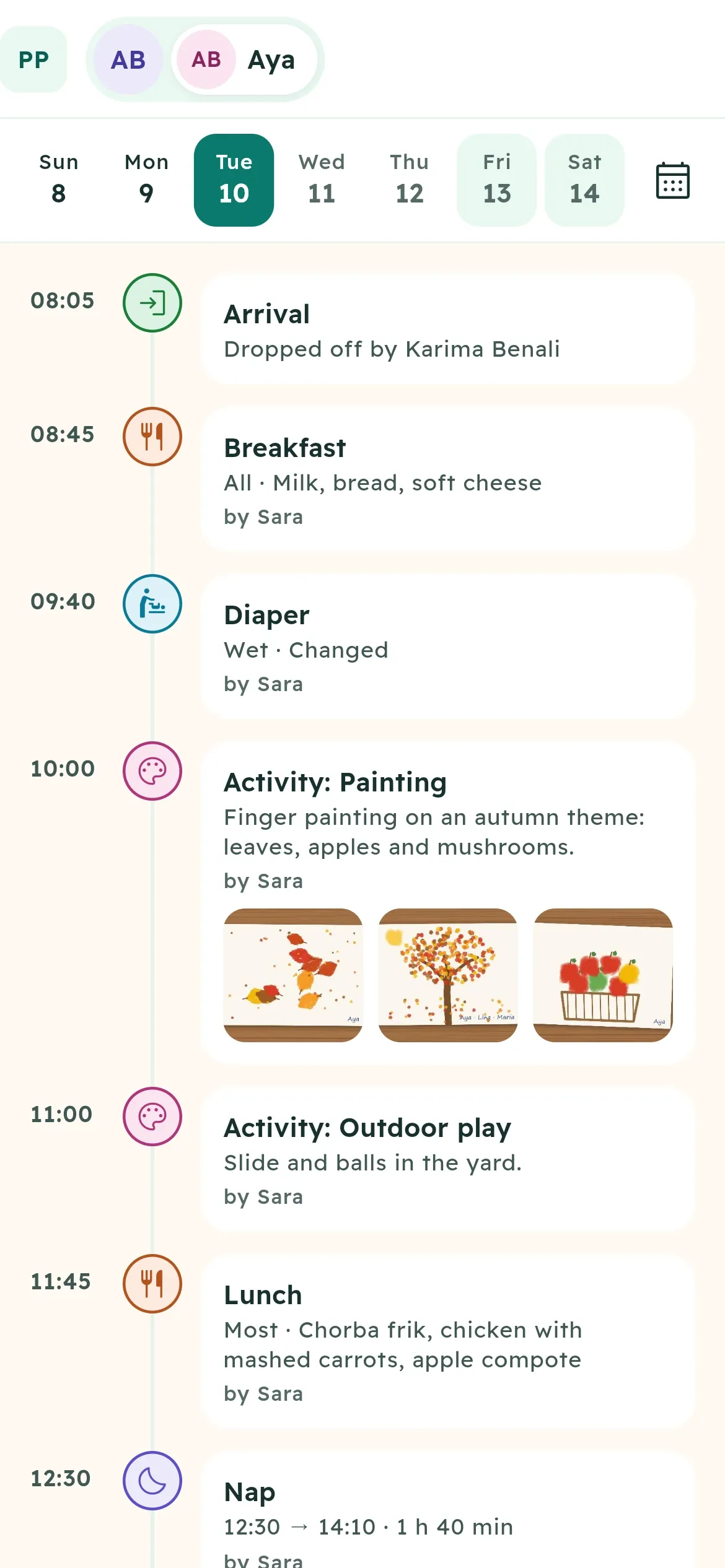
Check-in, meals, naps, changes, activities and mood, with the time and who recorded them. And the full timeline, day by day.
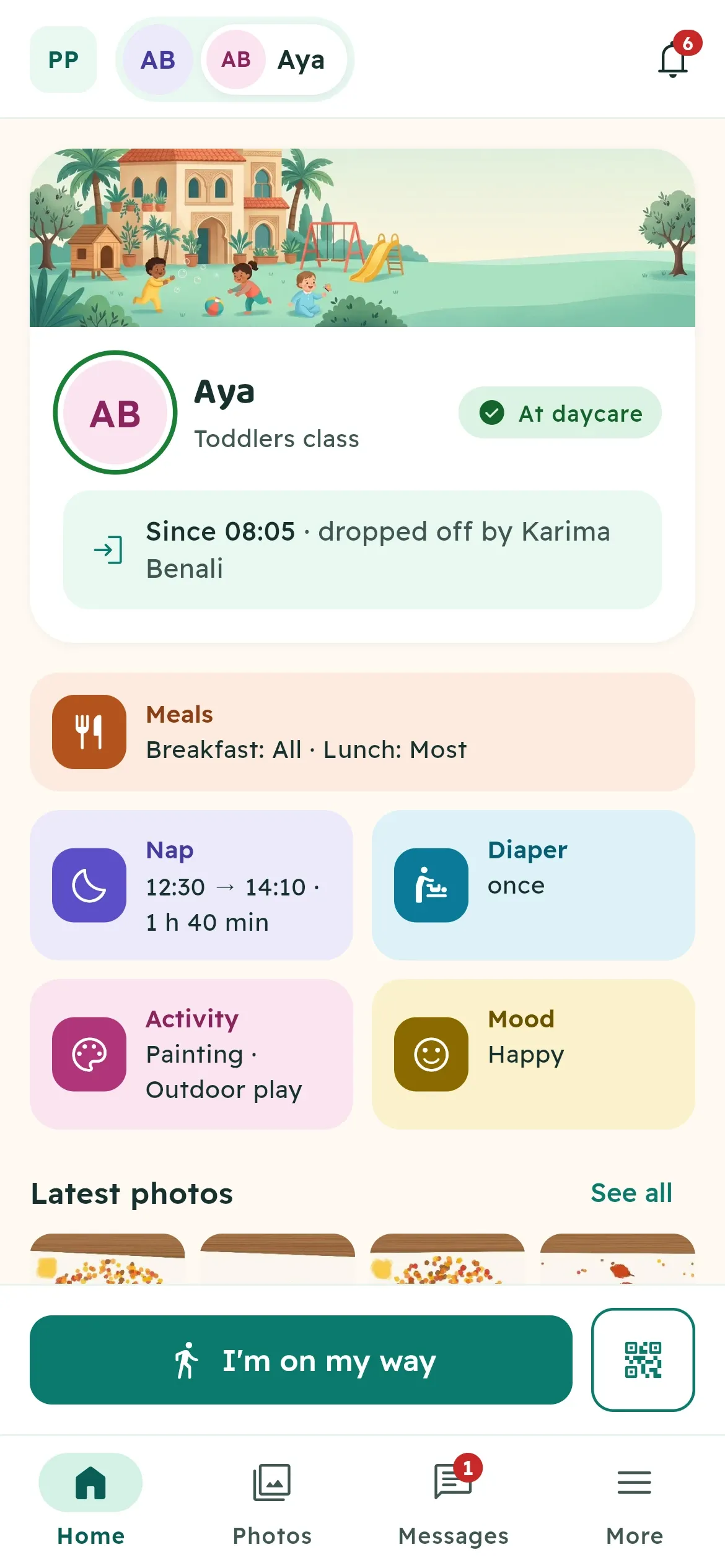
Meals, naps, activities and photos, as soon as the team records them. The app is free for parents.
Check-in, meals, naps, changes, activities and mood, with the time and who recorded them. And the full timeline, day by day.
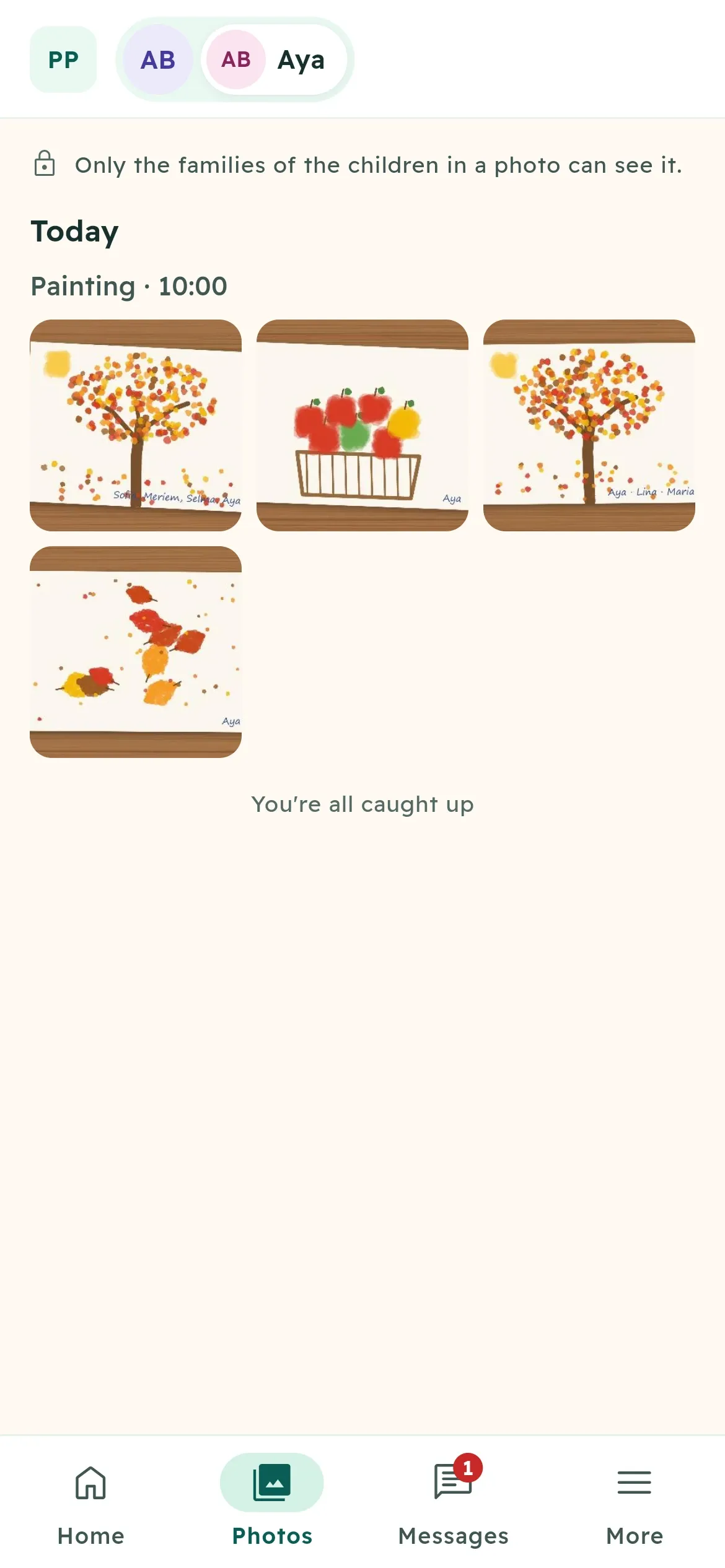
Only the families of the children in a photo can see it. The daycare decides whether parents can save them.
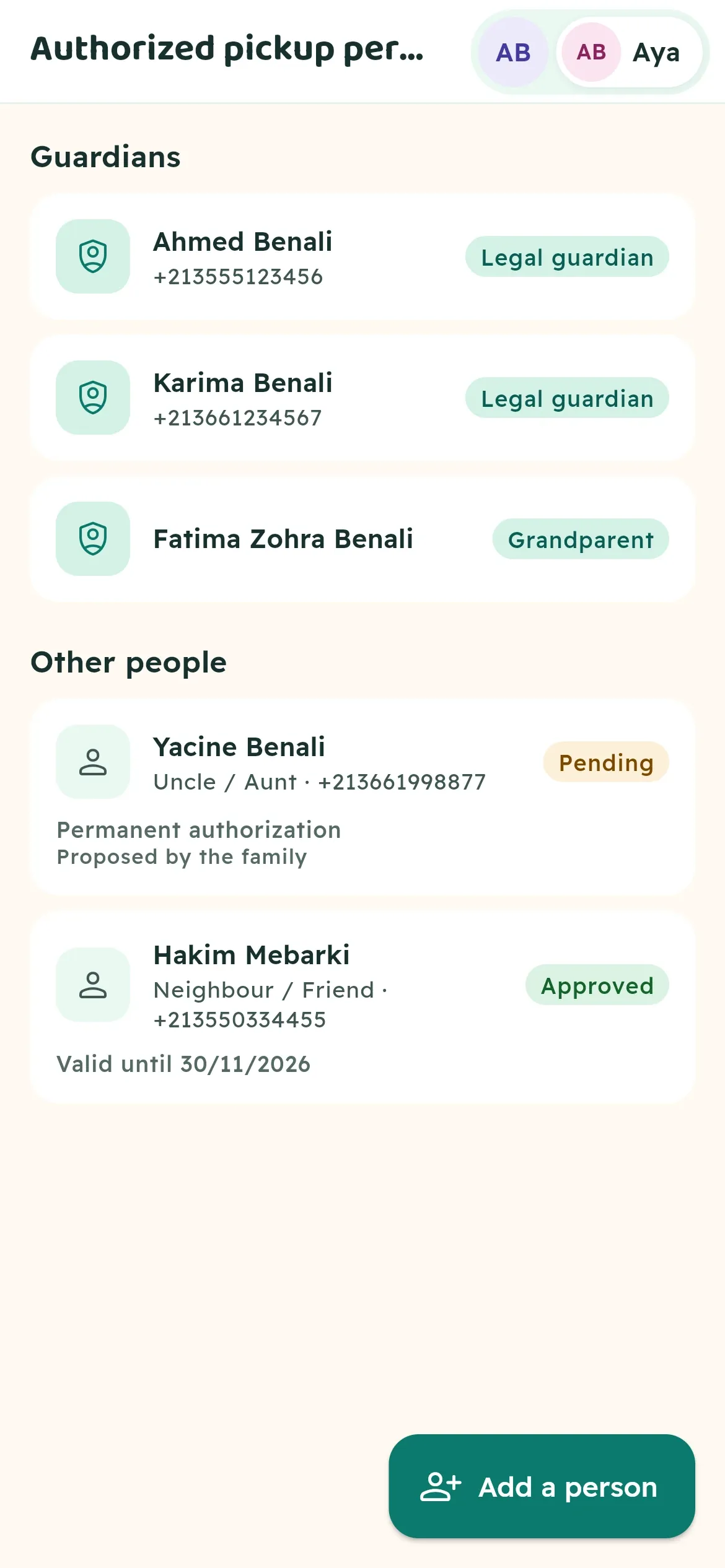
Tell the team you are on your way. Add the people authorized to collect your child: the daycare approves them, and only they are offered at check-out.
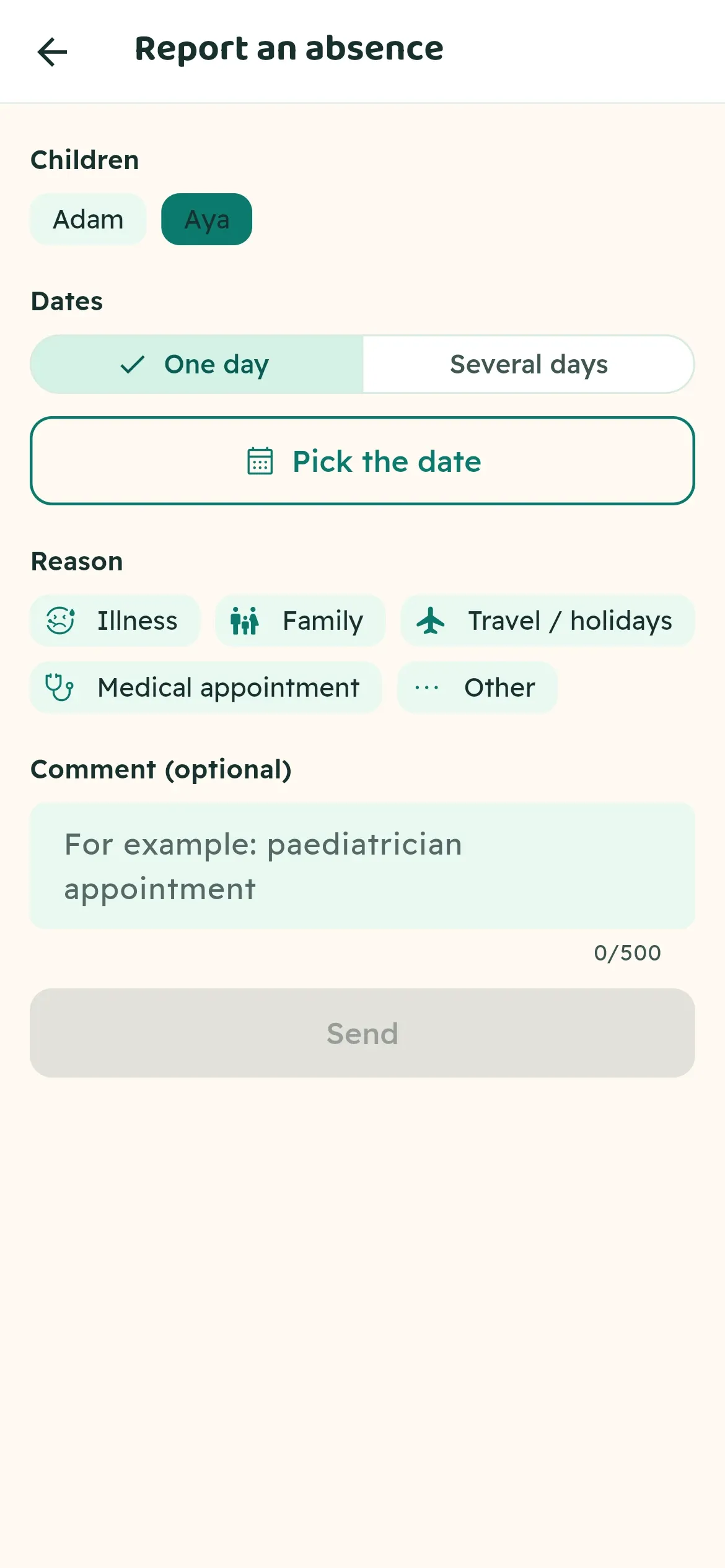
Choose the child, the day and the reason: the team is notified.
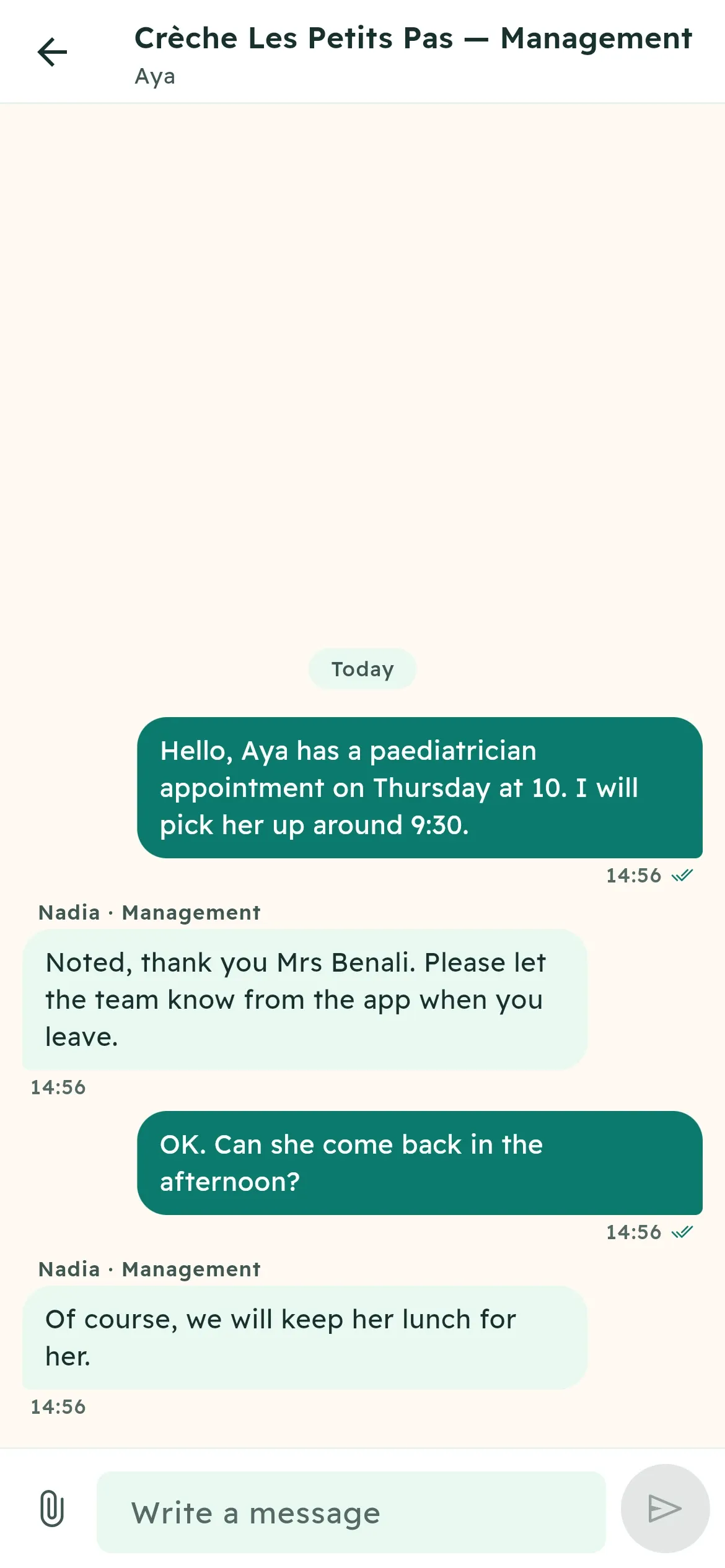
A message to the caregiver or to management, depending on what the daycare allows, with read receipts.
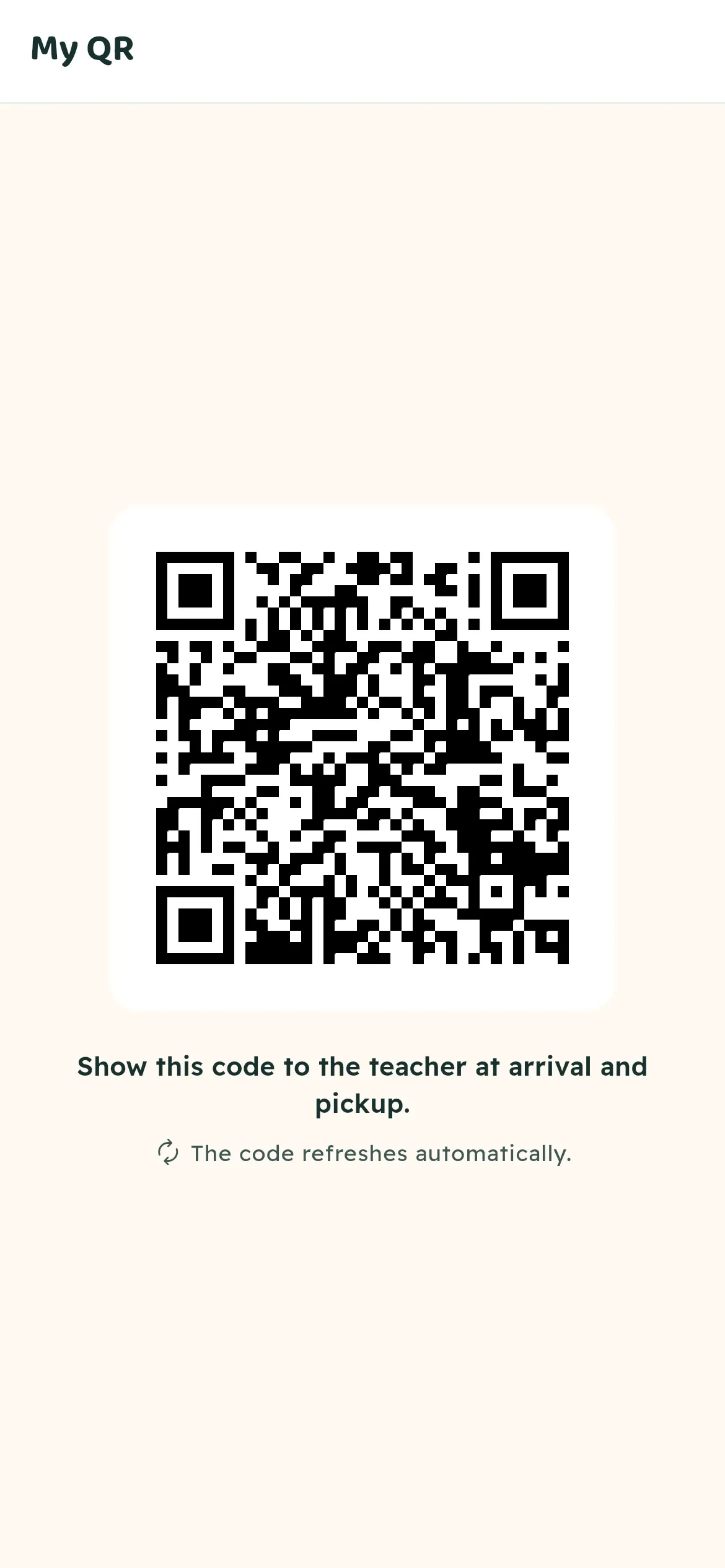
Show it to the caregiver: it renews itself every 30 seconds.
It is coming soon to Google Play, the App Store and AppGallery.
With your phone number, your email, Google or Apple.
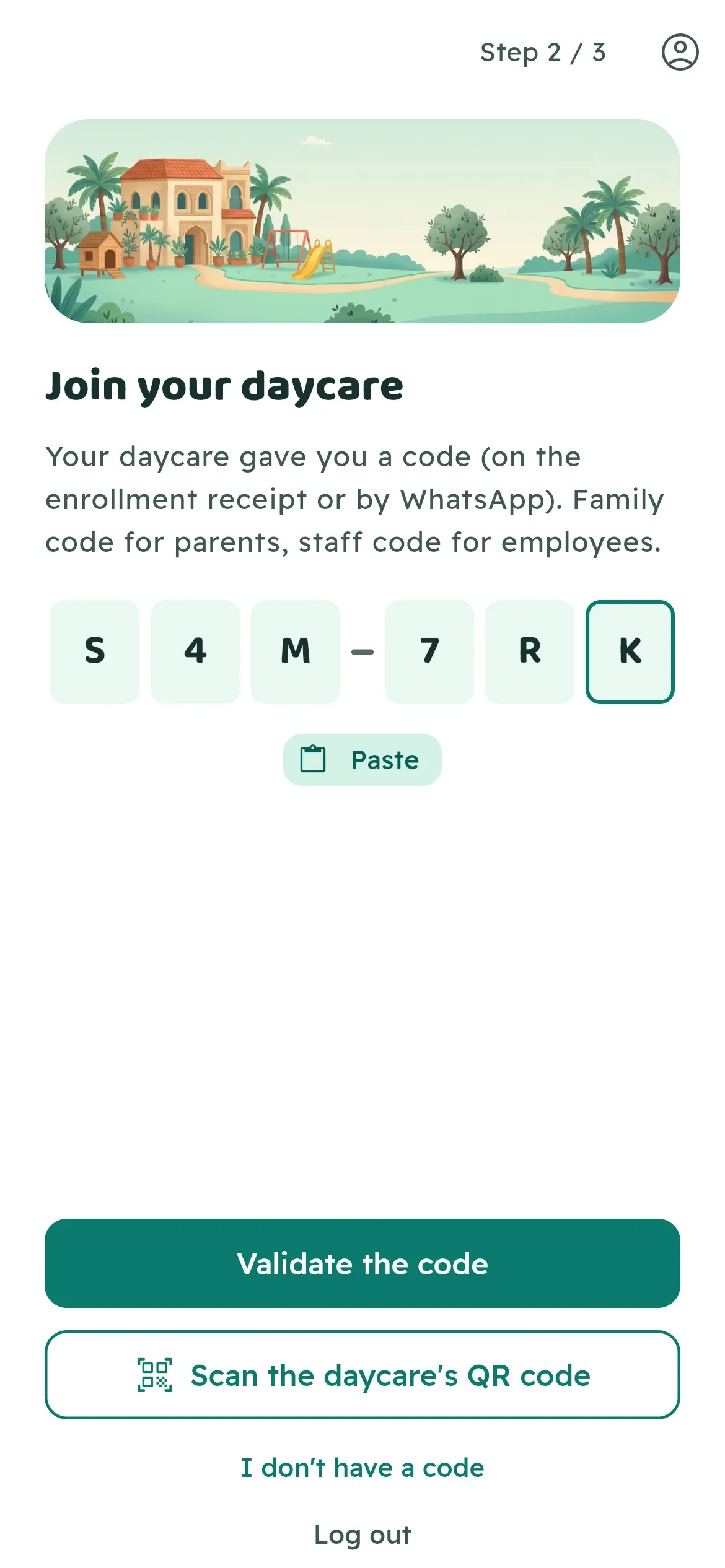
It is on the sheet the daycare gave you. You can also scan the sheet's QR code.
As soon as you enter the code, you see your child's day. A code works only once.
Every new daycare starts with 30 days of Premium, with no commitment. After that, the Free plan stays available with no time limit. The other plans are presented during the demo.
No. The app is free for parents.
With the family code the daycare gives them, or by scanning the QR code on the sheet. Their child's day appears as soon as the code is entered.
No. Each family only sees their own child's photos, and photo consent is respected.
Android 7 and later first, then iPhone and Huawei phones. It is coming soon to Google Play, the App Store and AppGallery.